
Text & agentsMIT
DeepSeek V4 FlashDeepSeek · 304B A13BReads contracts, writes reports and reasons through hard problems without an external AI provider.Intelligence index 50 · 87GB on DS4 · 131K ctx
Y OS · on every Y Computer
Plug it in and it already thinks. Frontier-class open models on silicon you own, the apps you chose wired to them, and nothing — prompts, files, history — ever leaving the building. That finished state is Y OS.
Introducing Y OS
A custom software configuration, built for you as a service and shipped finished on every box. Scroll — we take the cover off and show you every layer.
The brains · local
The intelligence is local: open weights loaded onto your machine, picked by measured performance and pinned by hash. Everything else on this page connects to these.
one authenticated endpoint · every app below runs on these brains
Ships your way
Every app here thinks with the models above — one authenticated, OpenAI-compatible endpoint, no cloud in the loop. Each screenshot is the app's own, unmodified.
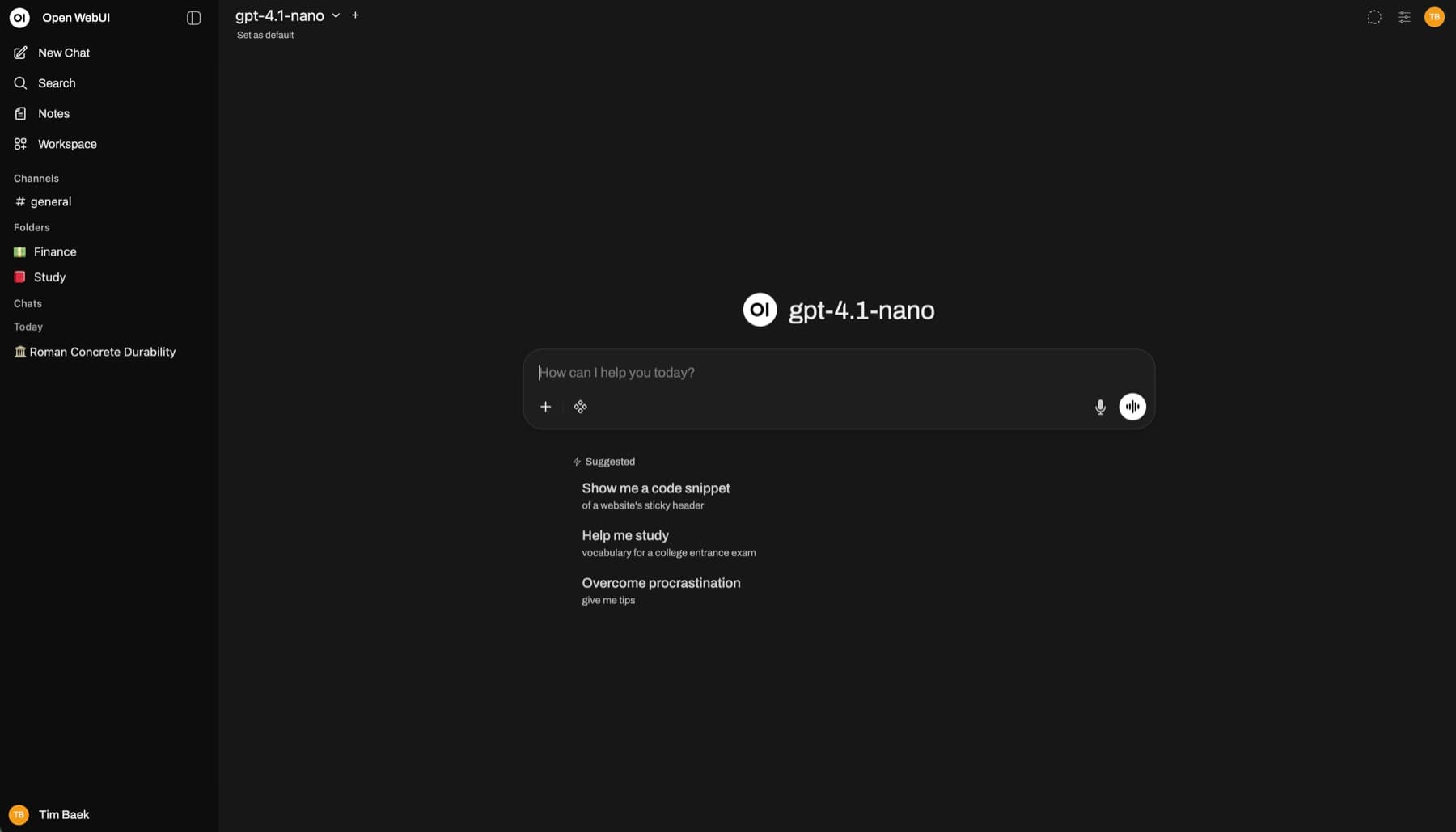
The default workspace. Order any box as-is and this is day one: team accounts, your pinned local models, documents with citations, no meter. Upstream's demo shown — yours boots wired to your local models.
Security baseline
No mystery telemetry, no default public endpoint, no agent with the keys to the whole machine. The secure configuration is the default configuration.
Full-disk encryption and unique credentials during onboarding
Inference services bound to the machine, not exposed to the public internet
Remote access through a private tunnel—not an open port
Tools run with explicit permissions and isolated execution profiles
Model source, license, revision and file hashes recorded in a manifest
Diagnostics are customer-triggered and redact prompts and documents
Runtimes and models stay pinned until the combination passes our tests; updates snapshot first and can roll back
Web search, email and cloud models are off by default and labelled External — the data boundary is a setting you can see
Measured before handover
Every deployment ends with a benchmark certificate recorded on your exact unit: model hash, quantization, context, runtime, power profile, and single- and multi-request throughput. Not our marketing numbers — your machine’s.
Where our published numbers come fromY OS benchmark certificate
Measured at handover
Specimen — your certificate records your exact unit
Y Recipes
Every recipe names the outcome, exact device, memory budget, software stack, measured limits and evidence grade. Follow the DIY path—or have Y OS build, secure, benchmark and maintain it.
Explore Y Recipes01
What useful work runs at the same time
02
The exact memory, GPU and interconnect
03
Raw results, sources and license status
04
DIY steps and the Y OS-managed path
How you get Y OS
Mini 128, Pro 64 and Max 96 — one power user, parallel team services, or maximum CUDA compatibility. Order by card; the exact bill of materials is confirmed in writing before your machine ships.
From $5,999
founding-batch target · before tax and shipping
Compare Y Computers